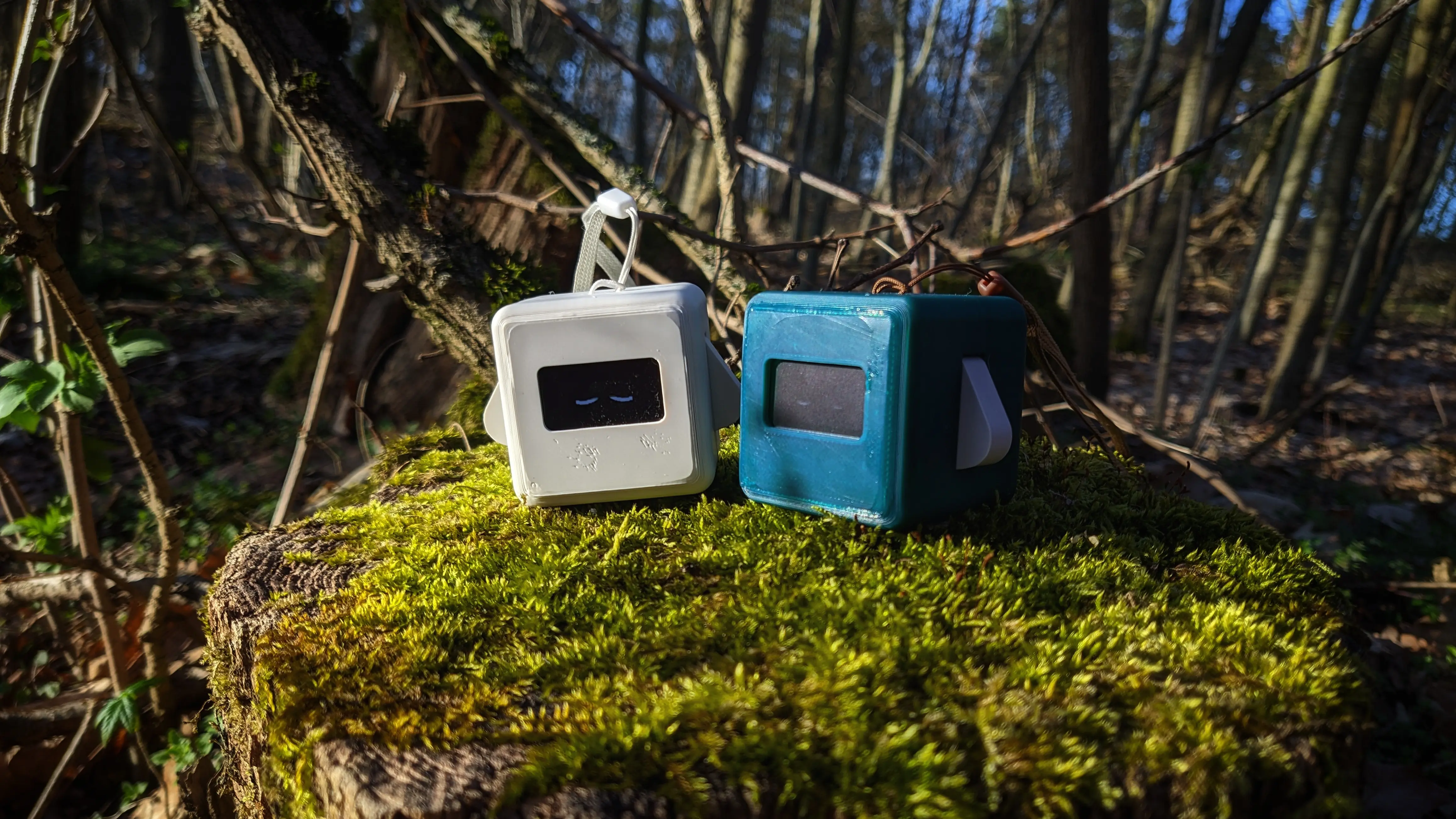
Precious Blocks: Status Update 2026Q1
April 4, 2026Hiiii y’all 👋.
I’m back from my “vacation”.
Well, I say vacation, but I’ve been busy.
Busy with what, you might be wondering - well you might not, but you totally should.
The answer is obviously PRECIOUS BLOCKS! 🎊
*shush stay calm, Autumn*
*breathe in*
*and out*
Well, where was I?
Precious Blocks.
So yeah, I’ve been busy doing work across all areas of the project.
And I’m finally at a point to share the updates 😍.
So let’s not waste any more time and jump right into it.
Website
Wow, there is soo much to discuss, it is hard to decide where to start. I guess we’ll just start with the basics:
I’ve decided to design a landing page, which you can find on precious-blocks.codeberg.page, hosted via Codeberg Pages.
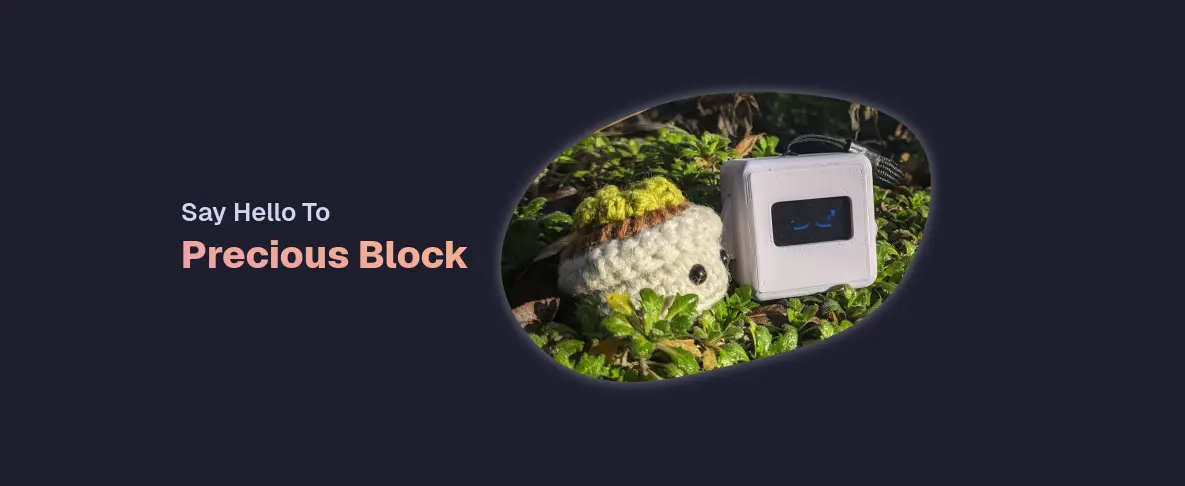
It is only meant as a cute landing page, with basic introduction talking points to advertise the project.
And references to useful learning material.
I’ve also decided to add backlinks to the blog posts published on my website to make them easier to discover.
Especially since I still plan on posting them on here going forward.
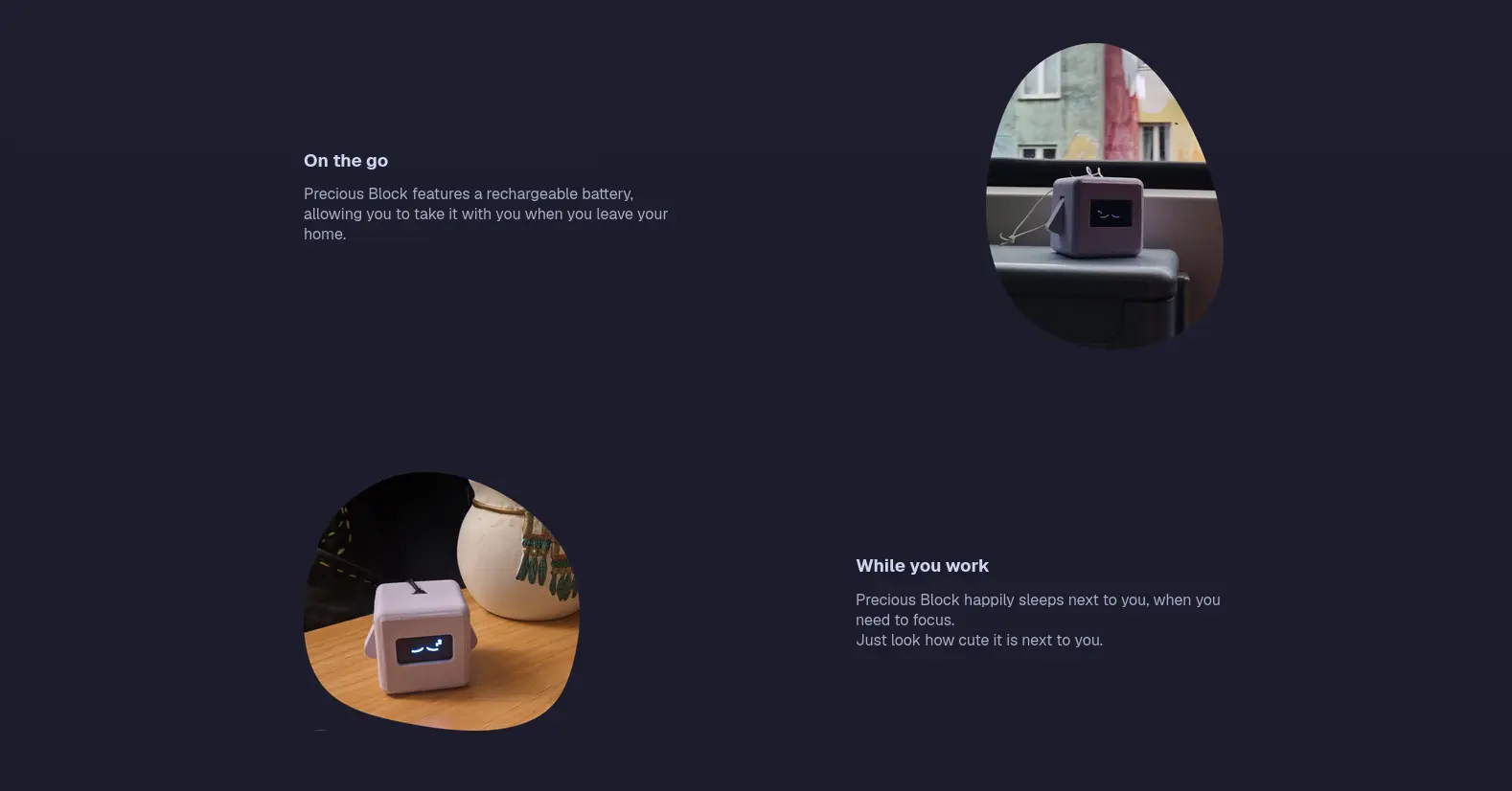
Docs
I’m also happy to announce that I continued work on the docs and finished most chapters, including the hardware components and assembly guide.
Which should be enough to teach you how to use the block and how you could build your own.
Go and check them out.
Hardware
Whilst we are on the topic of building your own block, let’s talk about the most important change, which probably took most of the time: A new hardware revision (rev 4.1).
🟣 Important
Since writing this post, there has been one report about Precious Block breaking, seemingly out of nowhere, and causing a power warning when connected to a computer.
I’m currently looking into this, but have nothing concrete so far.I’m not responsible for any damage caused by Precious Blocks.
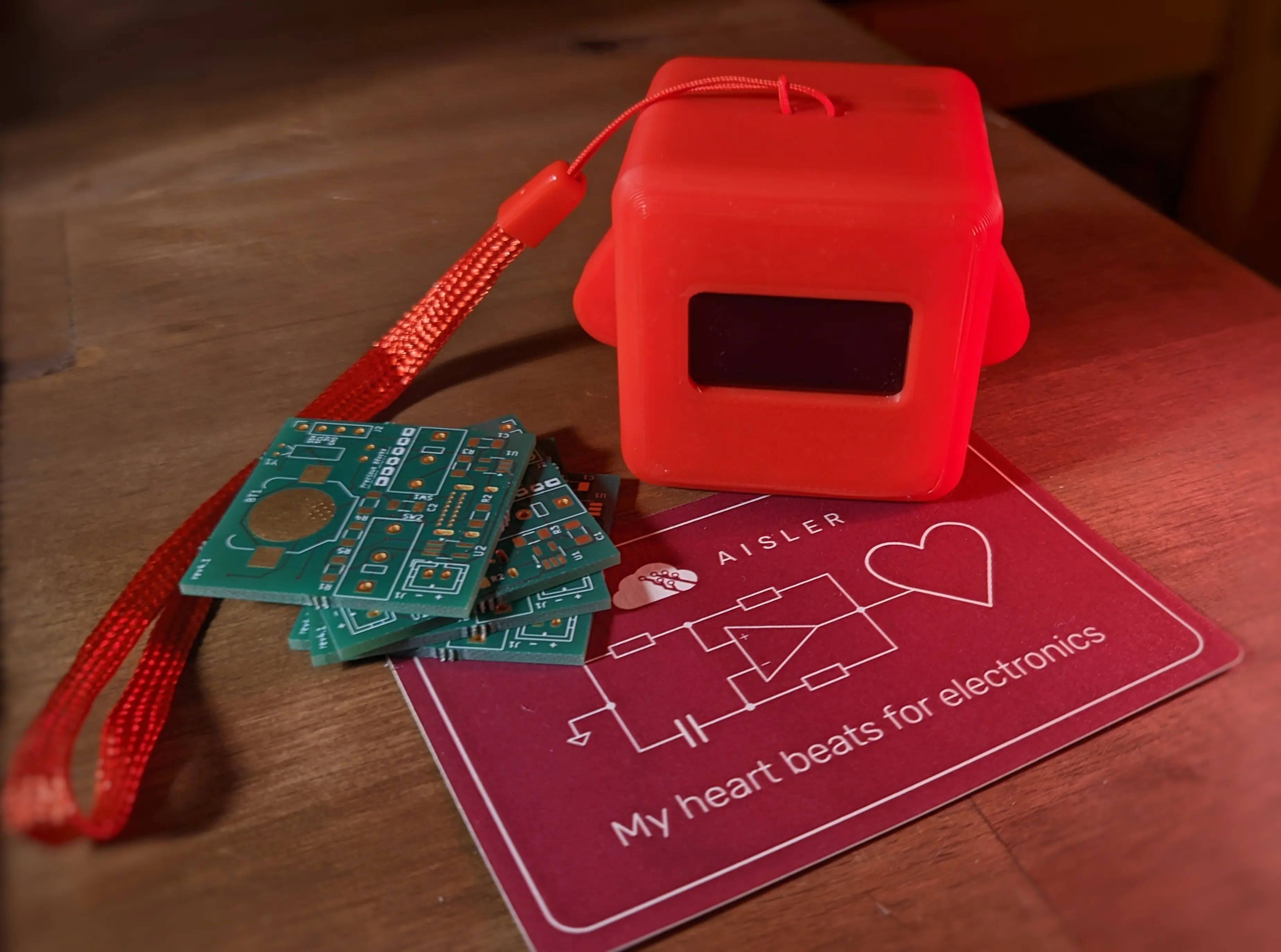
Gone is the protoboard of the previous iteration and the development boards in sockets.
Instead, I designed a proper PCB, which you can order and assemble.
It was designed using KiCad and built components available in Europe (specifically Germany).
I’ve ordered mine from AISLER, and have been really happy with them.
You can use my referral code MakeInEurope-LFKSE for 10€ off your first order.
I would also like to thank the communication and networked systems lab at my uni for letting me use their equipment for testing and soldering.
OK, let’s look at some of the design decisions. Feel free to skip this section if you don’t care about the technical details.
You might remember that in the previous iteration, everything was fitted into sockets,
which made the entire device more customizable, but also restricted us on which components we could fit on the inside.
This was especially noticeable with the limited battery size.
With everything fitted onto the PCB, we can fit much larger batteries, allowing us to increase the capacity and thus battery life.
While we are on the topic of the battery, let’s talk about charge monitoring.
The previous iteration, used the charge circuit onboard the Seeed XIAO ESP32S3,
however this didn’t allow us to detect if the device is currently charging or not.
The STC4054 chip on the new PCB allows us to monitor the battery charge state by monitoring the pull-down level,
hopefully opening up the possibilities for a cleaner UI. 1
As we are now using a full-size ESP32-S3 WROOM chip, we also have access to a lot more of the GPIO pins,
which allows gives us more freedom for additional components in the future.
It might even be worth to use a separate I2C bus for the clock module, as it will enter a deeper sleep state, when the bus is sleeping.
Different hardware iterations would require firmware support for different pin-outs, as I don’t want to drop support for otherwise working PCB revisions.
Firmware
As you can probably suspect, I’ve also been busy working on the official firmware.
There are a lot of small changes and bug fixes, for example, all applets (except games) are now using the same gesture control system,
which should make the navigation flow easier to understand.
You can now easily navigate back by holding both arms until the screen goes blank and releasing them.
A single press with both arms confirms the current action and similar to before, pressing either arm moves in the given direction.
Newly available with the gesture system is that you can also hold a single arm to repeatedly move in the given direction.
I’ve also reworked the startup logic, to only initialize components once they are actually required,
this gets rid of the blinking when powering on the device and reduces the battery consumption a lot.
In fact, you can monitor the current battery charge level using the power applet, which should go from around 3V to around 4V over time.
Note that the charge readout isn’t working properly when charging, which will later be handled by checking the battery charge chip, as mentioned above.
Something I’ve skipped over in the hardware section, is the new vibration motor.
It’s current firmware adoption is not quite where I would like it to be, but it is currently used to give featback when powering the block on
to indicate that the arms can be released (Trust me, once you get used to it, you wonder how it could not have been there).
It is also used by the new clock applets.
The clock applets are still very much a work-in-progress, but we are slowly getting there.
When launching the clock applet, you are greeted by the current time and date, however you can also navigate it like you would with the other menus,
to select different clock actions.
Currently, the clock also supports both setting timers and configuring alarms (ALPHA).
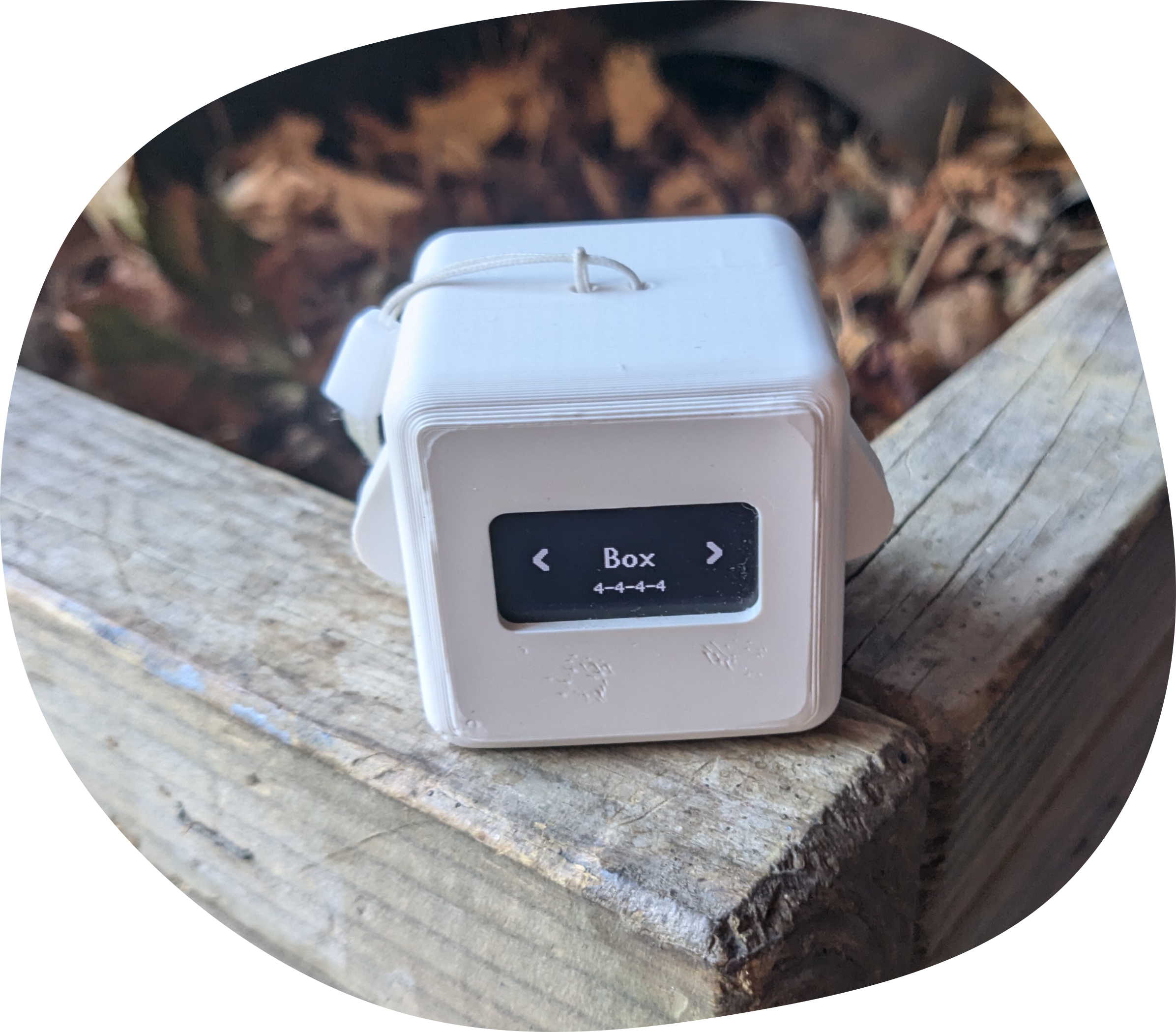
Additionally, I’ve also added a basic breathing guide applet, with common breathing patterns.
Arguably the vibration pattern used still need some work, but it allows for experimentation with the concept of having more lifestyle applets.
You can learn more about the available breathing patterns in the firmware docs.
You might have noticed that a bunch of the features are very much actively worked on.
Which is something I’m very much aware of, but I’ve decided that I’d rather implement basic versions of the programs and update and fix them later.
One important feature on that path is the new ability for Over-the-air-updates, which is available when connected to the internet.
It allows choosing from four different update channel sources, which can be used to check for updates and optionally automatically install them.
The default update channel is called Stable, which automatically checks the Codeberg firmware repository releases.
Similar to Stable, Devel also checks Codeberg releases, but also includes release marked as prerelease.
In addition to the two main channels, you can also select Custom, which allows specifying a custom Forgejo release page.
Note that firmware binaries can currently only be downloaded via HTTP
(the firmware is shipping with a basic HTTP <-> HTTPS tunnel, which is only used to fetch Codeberg release artifacts)
Lastly, you can also select Direct download, which fetches a resource over HTTP and flashes it directly.
Thoughts
I guess that’s most of the stuff that happened since the last update.
Honestly, you can not believe how amazing it feels to receive your first custom-made PCB, one you designed yourself and just have it work.
I know that the PCB itself doesn’t do that much, as most complicated circuitry is handled by the ESP WROOM board.
But the entire circuitry that makes Precious Block Precious Block is custom-made, and yeah, it feels incredible, to hold this thing I made.
Besides talking about the making process, I would also love to thank all the people who helped make this come to life.
Especially my friends for loving the blocks and sharing my enthusiasm for them.
That only leaves one thing:
The Future
As I’ve said before: there is still so much to do.
I don’t think I’ll start working on a new hardware revision soon, but that doesn’t mean I never will.
I’m also very much aware of a lot of areas of the documentation that need improving.
Especially the firmware has a long way to go.
Like improving settings options (i.e., standby brightness), adding new apps or games, and improving existing apps.
There are a lot of places where I just implemented the bare minimum, which could use some love.
I’ll be starting an internship soon2, which will leave me with less time
and possibly less motivation to work on coding adventures in my free time.
But just looking at Precious Block and being able to use it on a daily basis motivates me to keep going.
Even if it is one step at a time.